How to Send Beta Feedback
Help us refine TrackMyIVF with PHI-safe notes, screenshots, and crash details through TestFlight.
Your Privacy is Protected
We use Apple's native TestFlight feedback loop. Crash reports, beta notes, and screenshots are handled through Apple's developer services before our team reviews them. Please avoid including private health information in comments or screenshots.
Choose Your Method
TestFlight offers two common ways to report issues, depending on whether you want to capture a visual bug or report something in writing.
Option 1: The Screenshot Shortcut
The fastest way to report visual issues, broken layouts, or alignment bugs directly as you see them in the app.
- Open the TrackMyIVF app.
- When you see a bug, take a screenshot on your iPhone.
- Tap the screenshot thumbnail preview in the bottom-left corner of your screen to open the editor.
- Tap Done in the top-right corner.
- Select Share Beta Feedback... from the menu that appears.
- Add a brief explanation of what you expected to see, then tap Submit.


Option 2: From the TestFlight App
Perfect for submitting general suggestions, reporting logical flows that felt confusing, or providing general ideas.
- Open Apple's TestFlight app on your iPhone.
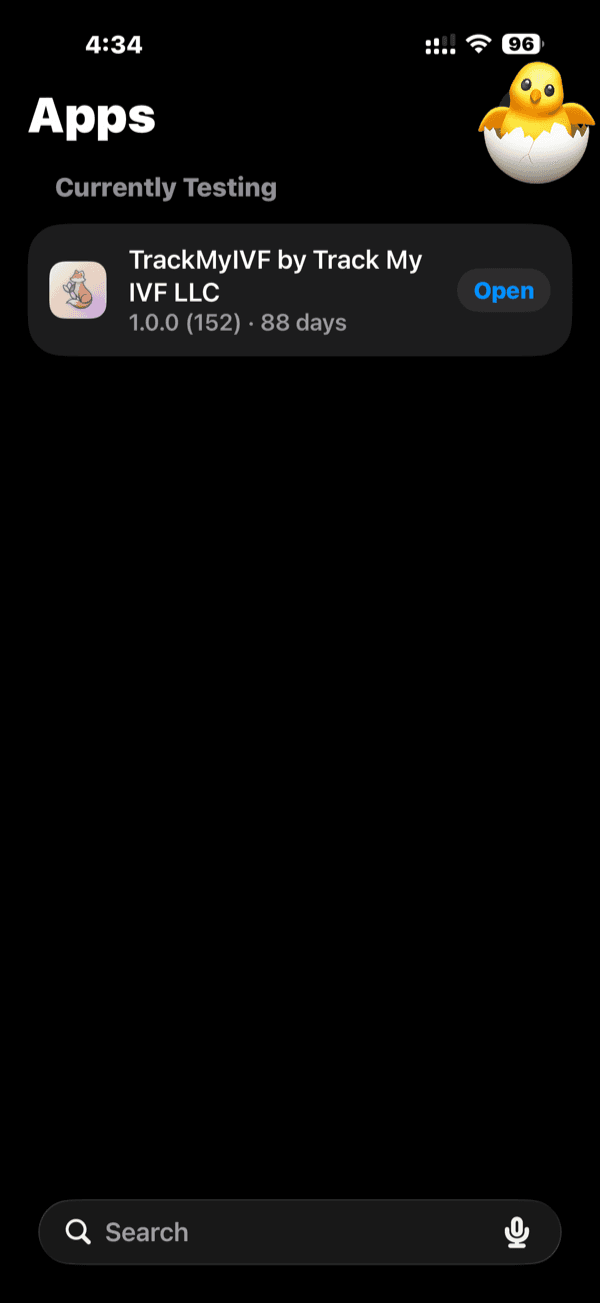
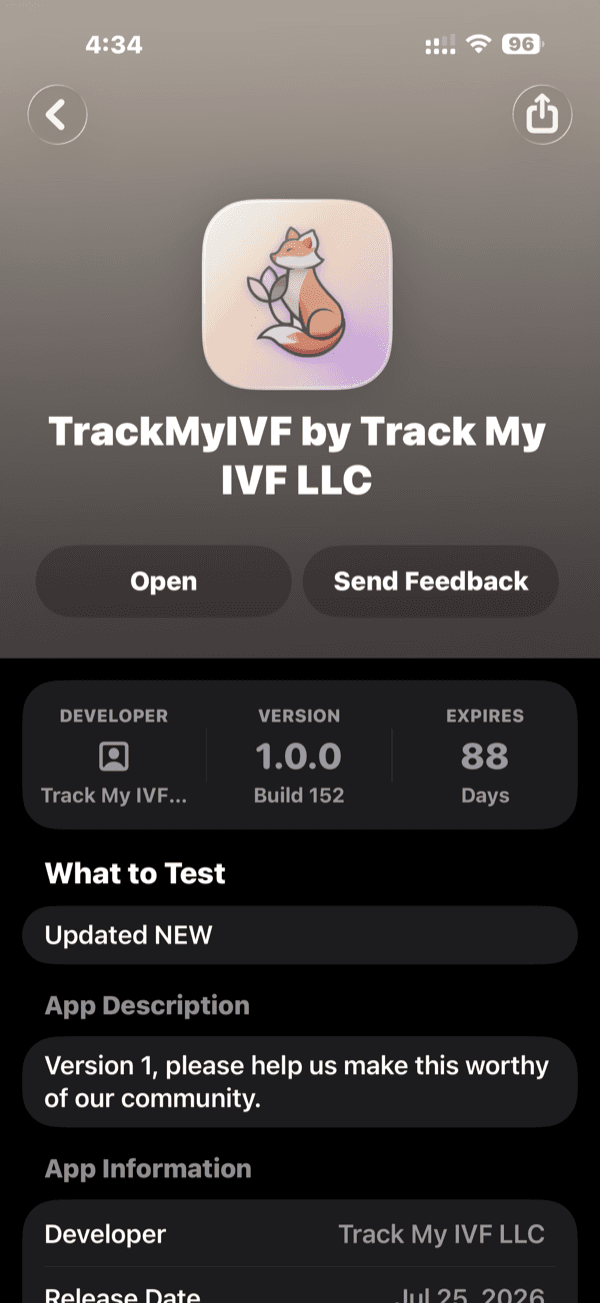
- Select TrackMyIVF from your list of tested apps.
- Tap the prominent Send Beta Feedback button.
- Select whether you want to include a screenshot or send comments only.
- Write your comments, include details of what went wrong, and tap Submit.
💥 If the App Crashes
If TrackMyIVF closes unexpectedly, Apple may generate a crash report. Tapping Sendshares diagnostic logs through Apple's TestFlight feedback flow.
If you did not get a prompt, open TestFlight → TrackMyIVF and look for Crash Reports to view or submit recent logs when Apple makes them available.
Share Crash Details?
Submit diagnostics to help fix stability issues.
Crucial: Keep It PHI-Safe
For your security and medical privacy, never include Protected Health Information (PHI) in your comments or screenshots.
Please avoid sharing:
- Your real name or contact details.
- Clinic, hospital, or doctor names.
- Exact clinical lab results or blood values.
- Screenshots containing faces or diagnostic papers.
*If a screenshot captures medical info, please crop it out or markup/cover the sensitive text using the iOS editor before pressing send.*
Still Stuck?
If TestFlight is giving you errors, or if you prefer to email us directly, contact support with the invited email address and a PHI-safe description. We appreciate your patience in this beta.